
Free Slack Emoji Pack for Work
A tiny pink Slack emoji pack for the reactions your team presses every day — heart, laugh, thanks, ship it — plus status blobs for OOO, lunch and blocked, and the ones for calling out a pasted AI answer.
44 Emojis
Original vector art
128×128
Official Slack sizing
Transparent
Clean PNG cutout
100% Free
No sign-up needed

Grab one emoji, or download the full Slack pack
Every package contains all 44 emojis with transparent backgrounds and pre-configured Slack shortcode names.
How to install in Slack & Discord
Download Slack Pack
Unzip meatproxy-emojis.zip. The PNGs are already sized to 128×128 with transparent backgrounds.
Open Slack Settings
Click workspace name > Settings & administration > Customize workspace > Emoji.
Add Custom Emoji
Click Add custom emoji and upload. Slack automatically names the shortcode from the filename!



























































































































Workplace Communication
Why your team needs meat proxy emojis in Slack
In the generative AI era, modern remote teams run on Slack and async messaging. But as more workers copy-paste answers directly from ChatGPT, Claude, and Gemini without verification, Slack channels are flooded with AI hallucination sludge.

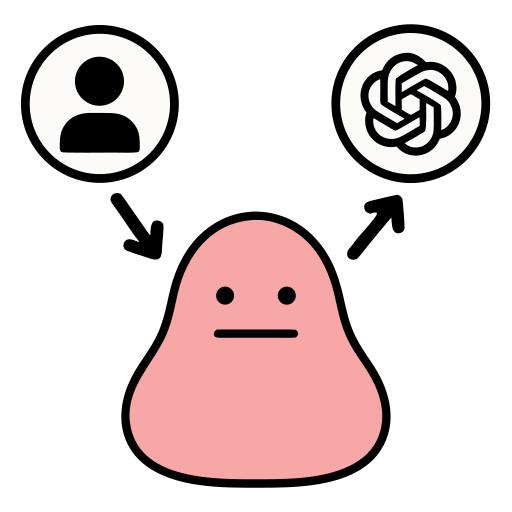
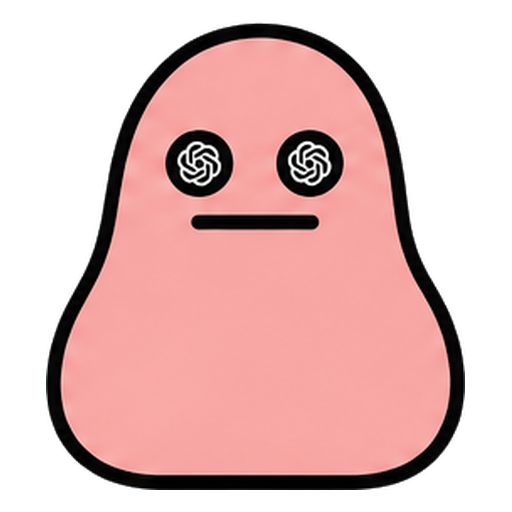
:meat-proxy:Call out zero-thought pasting
React with :meat-proxy: whenever a coworker forwards an AI prompt answer word-for-word without reading it first. Polite, funny, but unmistakable.

:meat-fire:Flag hallucinations in prod
When someone merges a PR with AI hallucinations that broke production, drop :meat-fire:. Because the fix was pasted, not tested.

:meat-thumbs:Praise verified human thought
Celebrate genuine critical thinking. When someone checks the sources, rewrites the summary, and adds their own opinion, award them a :meat-thumbs:.
Frequently Asked Questions about our Slack Emojis
Everything you need to know about formats, installation, and usage rights.
How do I install this custom emoji pack into my Slack workspace?
Download the Slack PNG 128px ZIP. In Slack, click your workspace name in the top left, select 'Settings & administration' > 'Customize [Workspace]' > 'Emoji' tab. Click 'Add Custom Emoji', upload the PNG files, and save. The file names are already formatted to match Slack shortcodes automatically.
Are these Slack emojis free for commercial workspaces?
Yes, 100% free! You can install them into your company's Slack, Discord, Microsoft Teams, Notion, Linear, or GitHub without any license restrictions.
What file format and dimensions are included in the download?
The primary pack contains transparent 128×128 pixel PNGs optimized specifically for Slack and Discord upload limits. We also include a 512×512 pixel PNG pack and crisp vector SVGs for print stickers, documentation, or slides.
Can I use these custom emojis on Discord?
Yes! Open Discord, go to Server Settings > Emoji > Upload Emoji, and upload the 128px PNGs directly from the unzipped pack.
Are you secretly a meat proxy?
Take the 30-second Meat Scan. Six statements, zero judgment, and a Certified Thinker badge if you pass clean.
Take the 30s Meat ScanRefer a coworker who forwards AI answers
File an official complaint at the Referral Office. Pick their offense, generate a custom link, and deliver the diagnosis.
Open the Referral Office